Find the best Home Loan for you
The calculator below helps you determine the interest rate and loan repayment based on your loan amount and product selection. Please speak to an accredited Regional Australia Bank lender to ensure the product you select aligns with your financial goals. The calculator is intended as a guide to help you better understand your options.

Protecting Your Accounts with Two-Factor Authentication
How to secure your Internet Banking with One-Time Passwords.
What is Symantec VIP Access?
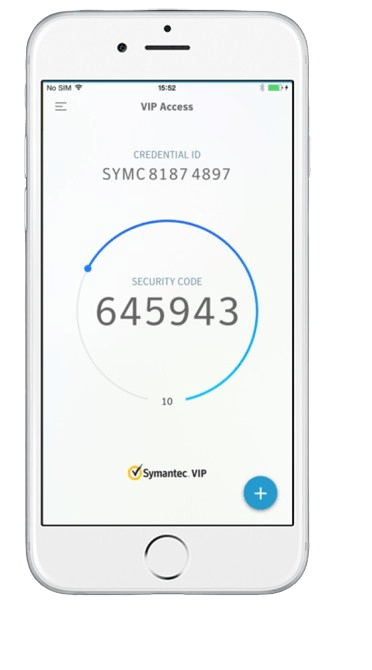
Symantec VIP Access is a free app that generates one-time security codes (tokens) on your smartphone, tablet, or computer. These codes are required when logging in to internet banking, making sensitive updates, or completing certain transactions. This adds an extra layer of security beyond just your password, making it more difficult for unauthorised access.
Benefits of Symantec VIP Access
- Offline Access: Generate codes even without a mobile network connection.
- Convenience: Access your codes directly on your device, no need to rely on SMS or carry a physical token.
- Enhanced Security: Two-factor authentication adds a significant layer of protection against online fraud.
- Flexibility: Use the app on your smartphone, tablet, or computer for added convenience.
Your one-time-password delivery options
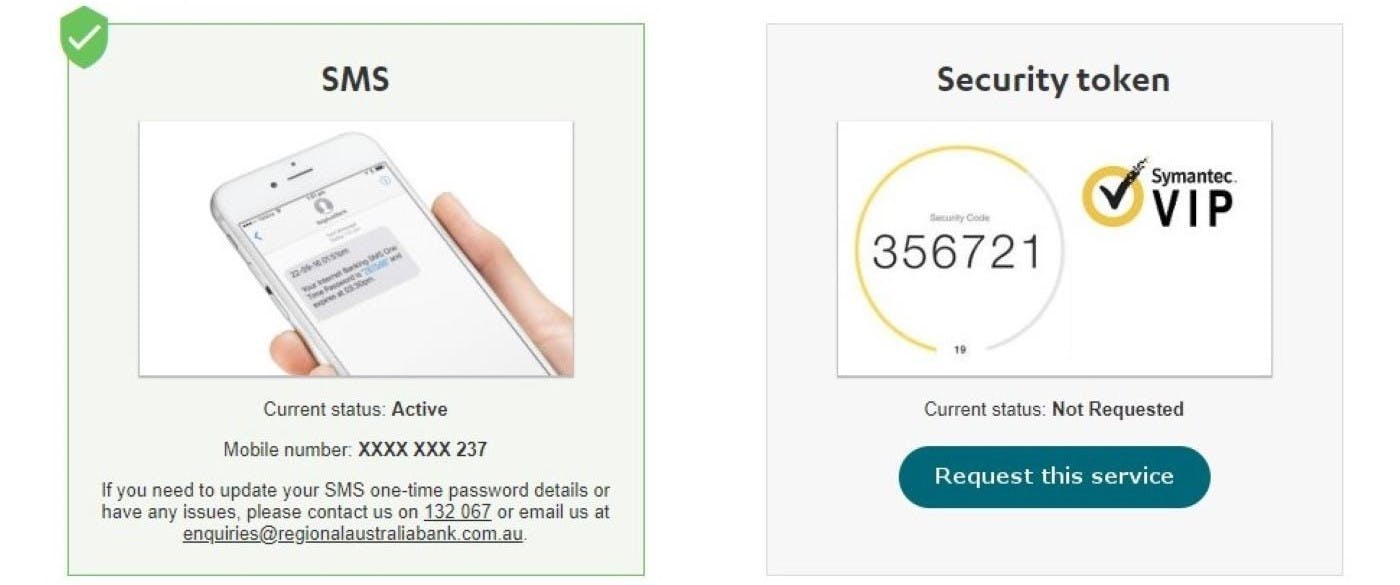
SMS delivery
- A simple SMS to your registered number to confirm your banking activity.
Symantec VIP Access
- Generate one-time-passwords on your personal devices with the Symantec VIP Access App. This digital token enhances your security, ensuring safe transactions regardless of mobile coverage.
- Perfect for secure access during international travel or in areas with poor signal strength.
Getting started with Symantec VIP Access
Download the app
Download the Symantec VIP Access app for free from the Apple App Store, Google Play Store, or directly from Symantec.
Register your token
Log in to Internet Banking and navigate to "Settings" > "Security" > "Security Token." Follow the prompts to activate your Symantec VIP token.
Important Information About Transitioning to the Symantec VIP Access App
- Existing members will continue to receive SMS OTPs by default. You can switch to the Symantec VIP Access App at your convenience.
- Physical tokens are no longer available.
- If you lose your device, contact us immediately on 132 067 to de-register your old device.
How do I set up the Symantec VIP Access app?1
Before you start, download the Symantec VIP Access app on your phone.
- Download the Symantec VIP Access app from your app store.
- Log in to Internet Banking.
- Go to Settings, then Security Settings, then choose Activate Symantec VIP.
- Open the app and enter the Credential ID and Security Code that appear in the app.
- Follow the steps shown to complete the setup.
- When it’s active, you will use the six-digit security code from the app whenever you log in or complete certain tasks.
For step-by-step instructions, visit our setup guide: Protecting Your Accounts with Two-Factor Authentication
How do I use the Symantec VIP Access app to log in securely?1
When you are asked for a security code, open the Symantec VIP Access app and enter the six-digit code shown on the screen. This code refreshes every 30 seconds.
What is the Symantec VIP Access app?1
The Symantec VIP Access app helps protect your Internet Banking by giving you a security code each time you log in or make certain changes. It is a simple way to add extra protection to your account.
Add Security to Your Banking Today!
Make the switch to Symantec VIP Access and experience a more secure and convenient way to bank online.
Disclaimers
1
Symantec VIP Access material is provided by Symantec VIP for general information only. To verify or understand more, please refer to vip.symantec.com.